
How I Can Get PST Files on Mac Outlook?

If you are a Mac user who is constantly contemplating on how I can get PST files on Mac Outlook, then no worries. Because, in the article we have discussed an outstanding approach that Mac users will find safe to use and easily accessible. Read the blog further to know more about the solution.
PST is a Windows Outlook file format and still some users find difficulty in accessing the same in Mac Outlook. Why?
PST stands for Personal Storage Table. It is a default storage file format of Windows Outlook. The file is created when a user export its important database such as email, calendars, tasks, contacts, etc. on the desktop.
However, PST is considered one of the most popular file type because it is reliable and safe to use. That is why, many Windows users make use of Windows Outlook email client to manage their personal emails on a daily basis.
Why there is a need to convert PST to OLM to get PST files on Mac Outlook?
Sometimes, Mac users receives these files on their system from a Windows client which they unable to open on their Mac machines. Even, if a Mac user is working on Mac Outlook, then also he/she will encounter an error while tryings to access PST files in Mac Outlook. Because, Mac Outlook uses OLM file format which also works like PST. OLM also stores the entire user’s account mailbox items.
Although Mac Outlook and Windows Outlook are the email clients of the same source i.e. Microsoft. Still, users face trouble when they try to access Windows PST files in Mac Outlook and vice versa.
However, both the email clients are same when it comes to managing the personal database of specific account. But one should not forget that these email applications are built on different operating systems that supports different GUI and a different methodology to store user’s account data.
How I can Get PST Files on Mac Outlook? - Professional Method
The safest way to get PST files on Mac Outlook is MacMister PST to OLM Converter. The application is advanced, cost-effective, and reliable. It is built-up with a simplified platform which is easily accessible by all professional and non-professional users. Even, the operational steps are minimum and will take only few seconds of users to convert unlimited PST files to OLM to get PST files on Mac Outlook.
Moreover, PST to OLM Tool supports numerous beneficial features that users can use as per their requirements to obtain the desired results. However, the freeware version of the application is an advantage for those who need to test the conversion steps of the process for free.
Note. We have discussed the working steps below. Apply them correctly and instantly access PST files on Mac Outlook with ease.
Working Steps to Get PST Files on Mac Outlook
Step 1. Download, install, and open Mac PST to OLM Converter on macOS.
Step 2.Upload essential PST files on the tool for conversion. Click Add File(s) button to load few important PST files to OLM for conversion. Or, use Add Folder buttonto add a folder carrying multiple PST files on the tool for batch conversion and press Next button.
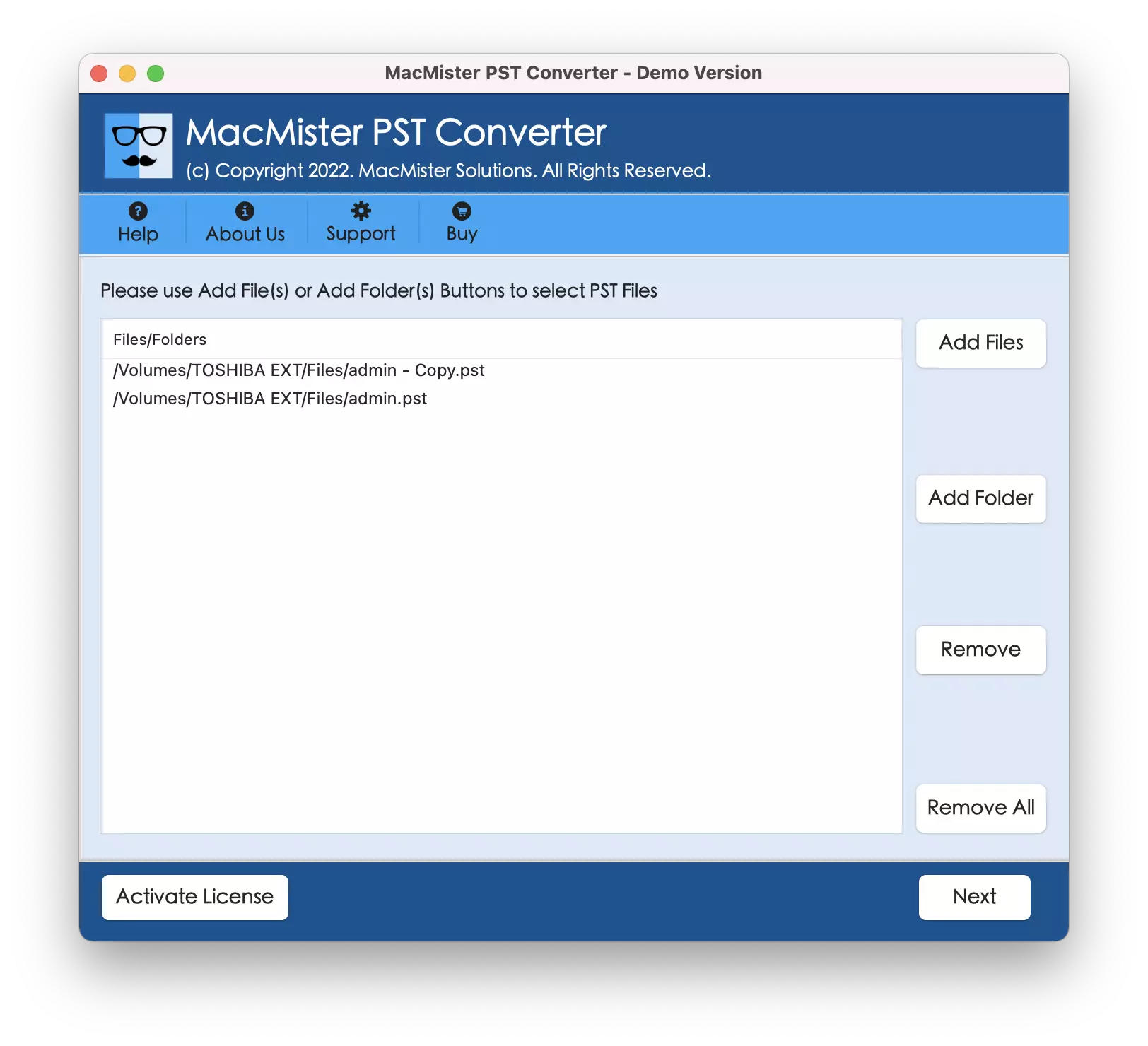
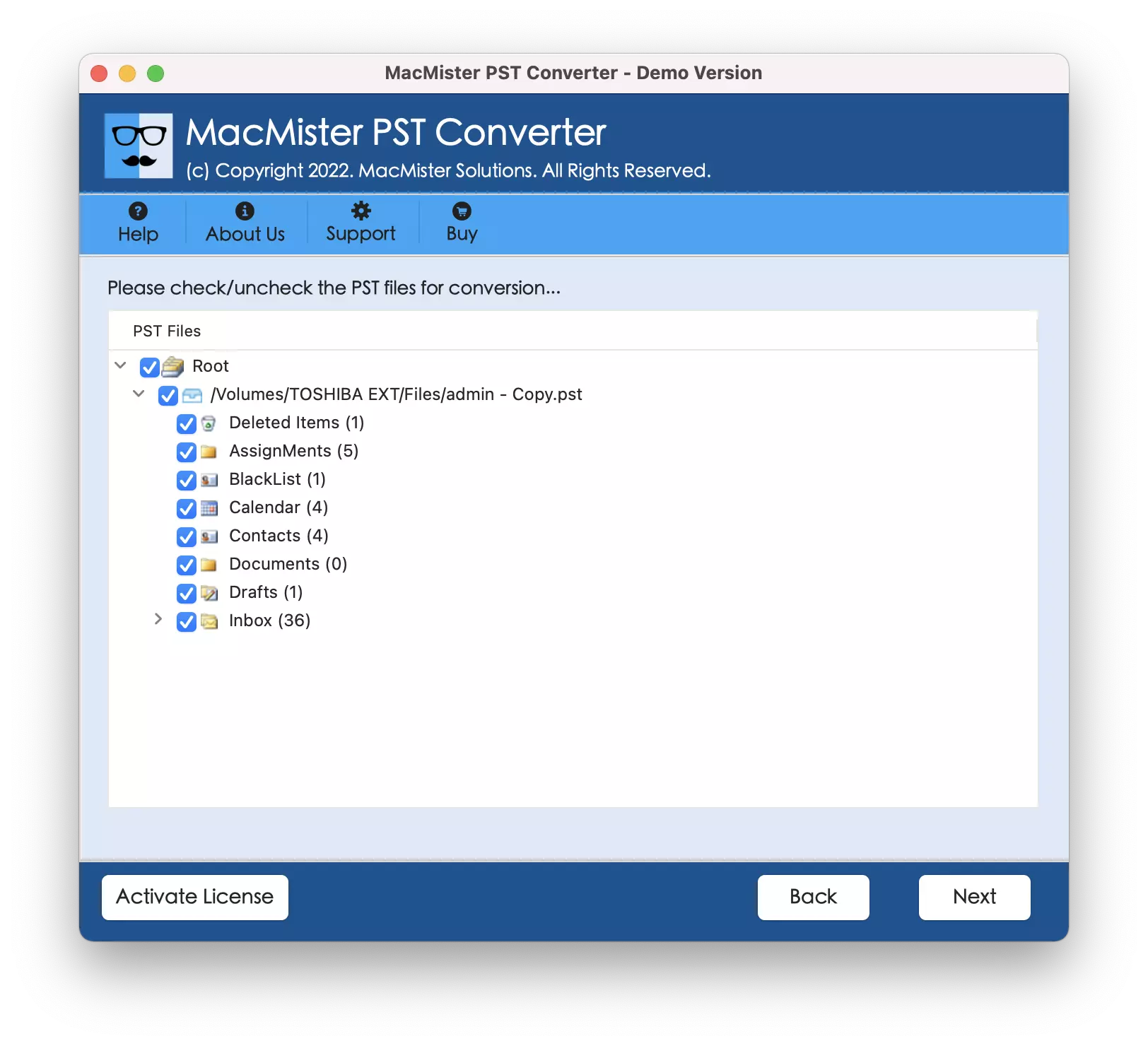
Step 3.The entire list of PST files will appear one by one with checkboxes. Users can take help of a checkbox if they want to convert only the selected PST files to OLM. Click Next to continue.
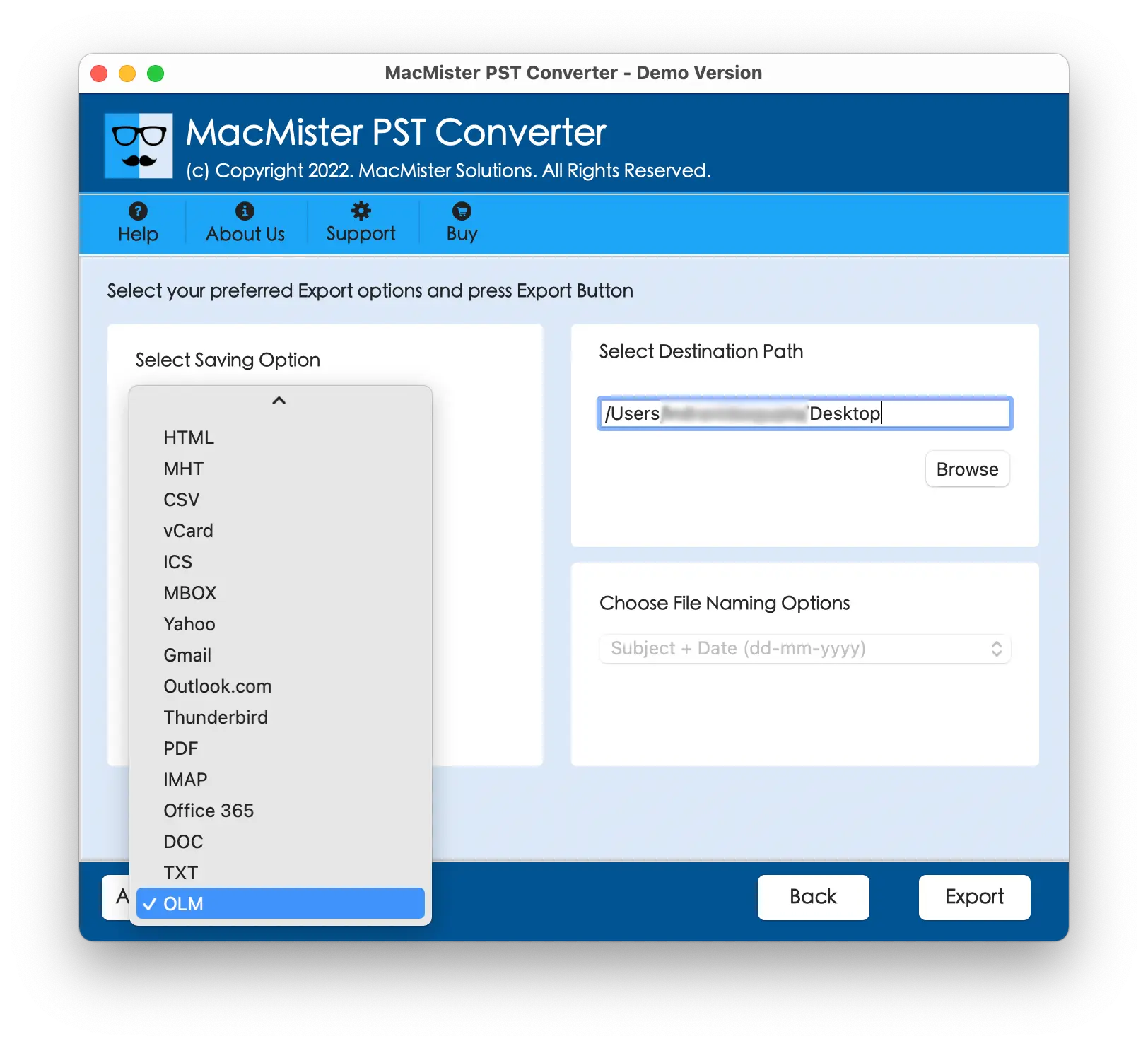
Step 4. Click on the Select Saving Options drop-down list and select OLM from the list.
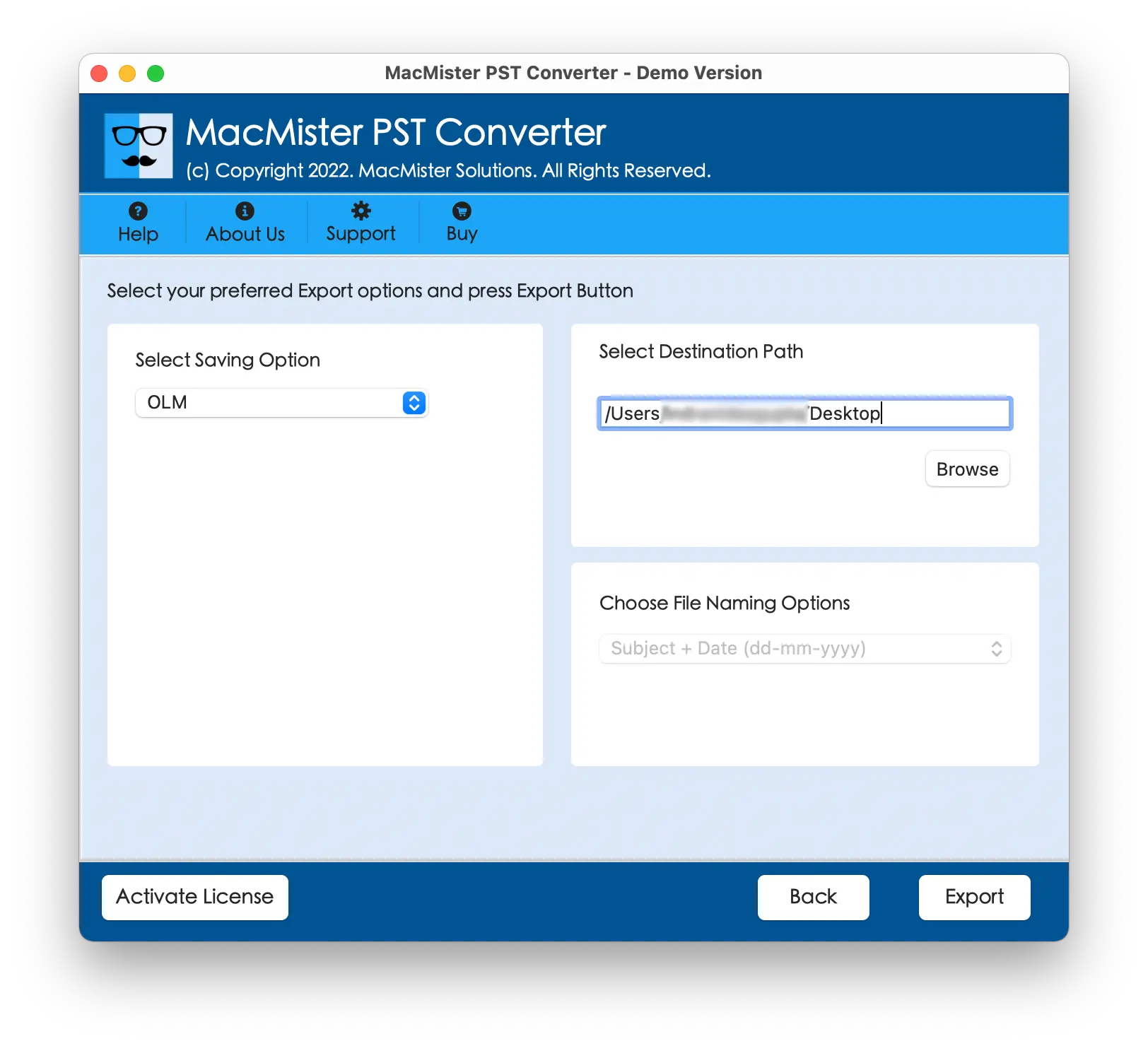
Step 5. Set OLM options as per your choice to save resultant OLM files as per the requirements. Finally, hit Export button.
Step 6. The conversion is live and a Live Conversion Report window appear that shows the ongoing conversion status of PST files.
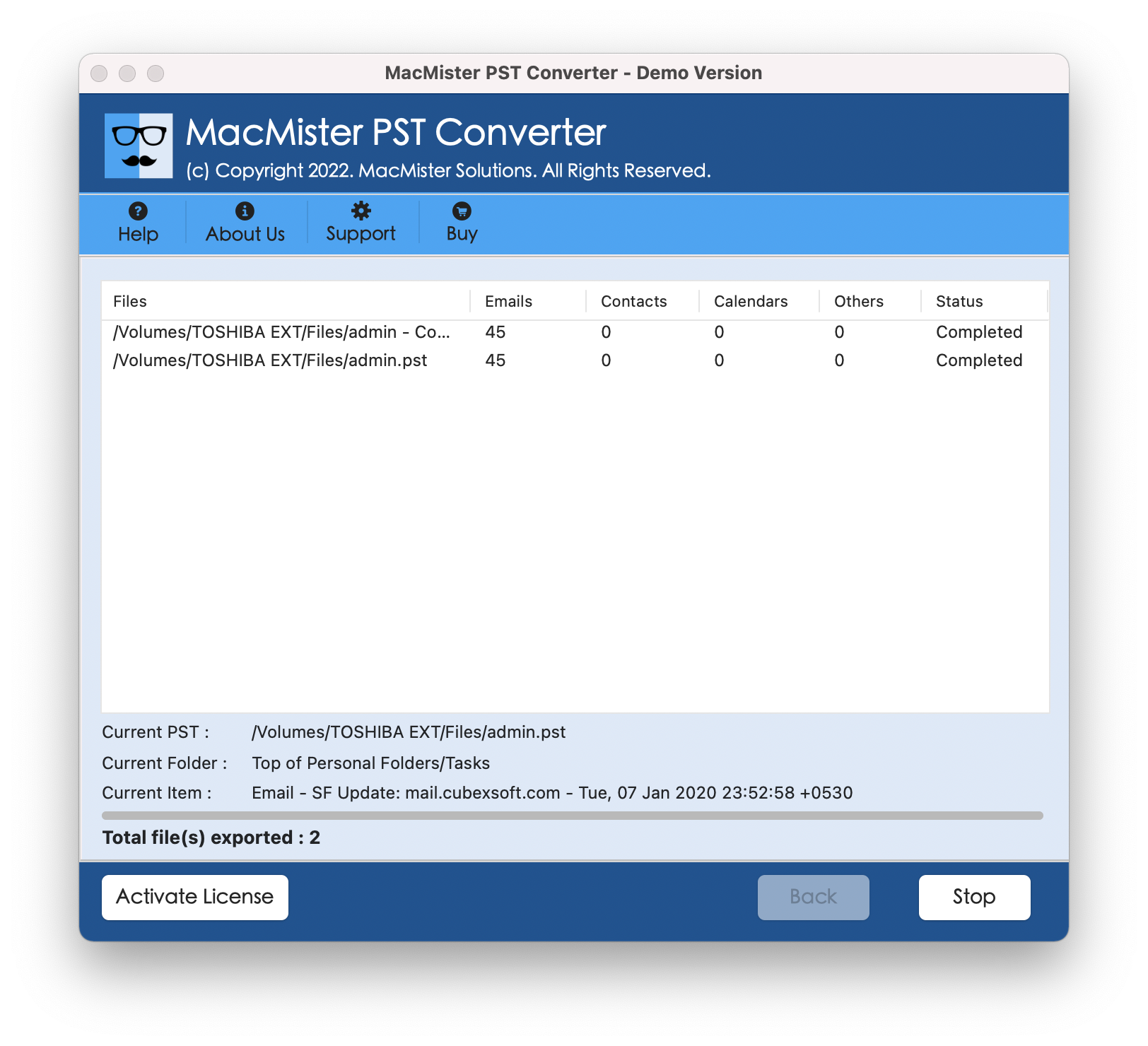
The whole process finishes in few seconds with a message “Conversion Completed”. Click on OK and go to location of resultant OLM files. Now, import them into Mac Outlook.
Step-by-Step Process to Import Resultant OLM in Mac Outlook
Step 1. Go to Outlook for Mac on your Mac OS system.
Step 2. Click on Tools and choose Import option.
Step 3.Pick“Import Outlook for Mac archive file (.olm)”.
Step 4. Press Continue button.
Step 5. Go to resultant OLM file location. Select the resultant OLM files. Click Import.
Step 6. The import process will start and take only few seconds to successfully import all the files in Mac Outlook.
Now, go to left navigation pane under On My Computer, you will see the list of imported items. You can choose the required item to load its files in Mac Outlook. However, there will be no change in the original data. Even, the folder structure will also remain preserved throughout the process.
Conclusion
The blog has provided an exceptional technique to fix how can I get PST files in Mac Outlook. MacMister PST Converter for Mac is a wonderful conversion tool to convert unlimited PST files to OLM with all the data items accurately. The tool is fast and capable to perform the entire process within seconds without altering the original content. However, the free demo is present that can help in evaluating and experiencing the conversion for free. Also, one will be able to access first 25 PST files in Mac Outlook free of cost.

 English
 Arabic
 French
 Spanish
 Portuguese
 Deutsch
 Dutch
 Italiano
 Russian
 Romaian
 Portuguese (Brazil)
 Greek