
How to Develop an Uber-Like Safety App for Android: Features, Process & Technology | Digiconn Unite
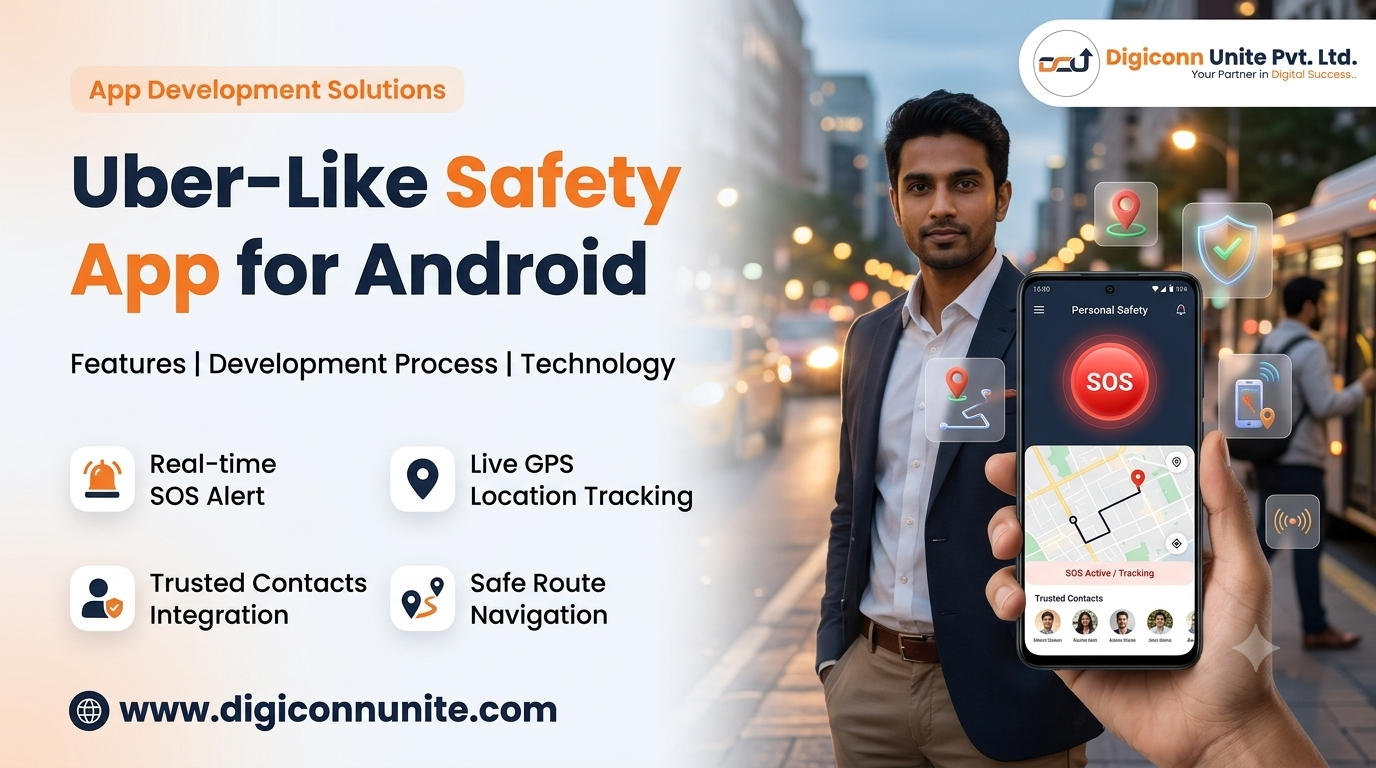
How to Develop an Uber-Like Safety App for Android: Features, Process & Technology | Digiconn Unite
Personal safety has become an important consideration for people travelling alone, commuting to work, or exploring unfamiliar locations. Android applications with emergency alerts, real-time location sharing, and quick access to trusted contacts can help users feel more secure during their journeys.
Developing an application inspired by Uber-like safety solutions requires more than basic GPS tracking. It needs a reliable location system, an easy-to-use interface, secure data handling, and fast emergency response features. Businesses planning an Uber Like Safety App Android solution should focus on building a platform that combines convenience, technology, and user protection.
Digiconn Unite helps businesses understand modern application development requirements and build Android solutions around their operational goals.
What Is an Uber-Like Safety App for Android?
An Uber-like safety app for Android is a mobile application designed to help users manage personal safety while travelling or moving between locations. It can include features such as live location tracking, emergency SOS alerts, trusted contact notifications, and journey monitoring.
Unlike traditional transportation applications, a safety-focused platform gives greater importance to emergency communication and user protection.
For example, a user travelling alone can share their live location with family members. If an unexpected situation occurs, they can activate an SOS feature to notify selected contacts.
Essential Features of an Uber-Like Safety App
Choosing the right features is one of the most important steps in application development. The following functionalities can make a safety application more useful.
1. Real-Time GPS Location Tracking
GPS tracking allows users to share their current location with trusted contacts. The application can update location information at regular intervals to help authorised people follow a journey.
2. Emergency SOS Button
An emergency SOS button should be easily accessible from the main screen. When activated, it can send an emergency notification containing the user's location to selected contacts.
The interface should also help prevent accidental activation.
3. Live Location Sharing
Users should be able to share their journey with family members or friends. They can select trusted contacts and control when location sharing starts and stops.
4. Trusted Contact Management
The application should allow users to add, edit, and remove emergency contacts. These contacts can receive alerts when the user activates an emergency feature.
5. Route Monitoring
Route monitoring helps users share their planned journey and identify unexpected changes. Businesses can also consider journey completion notifications and alerts when a user does not reach the destination as expected.
6. Push Notifications
Push notifications keep users and their selected contacts informed about important activities, including emergency alerts, location-sharing updates, and safety reminders.
7. User Authentication
Secure registration and login help protect personal information. Options may include mobile OTP verification, email authentication, and secure account management.
Step-by-Step Process to Develop an Uber-Like Safety App
Developing a reliable Android safety application requires proper planning and technical execution.
Step 1: Identify the Target Audience
Start by understanding who will use the application. The target audience could include solo travellers, students, working professionals, senior citizens, or families.
Identifying user requirements helps determine which features should receive priority.
Step 2: Prepare the UI/UX Design
Design a simple interface that users can understand quickly, especially during stressful situations. Important functions such as SOS activation and location sharing should be easy to find.
Avoid unnecessary screens and complicated navigation.
Step 3: Select the Right Technology
Choose technologies that support reliable performance, location services, secure communication, and future scalability.
Step 4: Develop the Android Application
Develop the application with essential modules, including registration, user profiles, GPS tracking, emergency alerts, notifications, and contact management.
Step 5: Integrate Backend and APIs
The backend manages user information, emergency requests, location updates, and application communication. APIs connect the Android application with backend services and other required systems.
Step 6: Test the Application
Test the application under different conditions, including poor internet connectivity, GPS interruptions, battery restrictions, and emergency alert scenarios.
Security testing and usability testing are equally important before launch.
Step 7: Launch and Maintain
After successful testing, prepare the application for release. Regular updates, performance monitoring, bug fixes, and security improvements help maintain a reliable user experience.
Technologies Used to Develop an Android Safety App
Selecting suitable technologies depends on the application's features, expected users, and development requirements.
Some commonly considered technologies include:
-
Programming Languages: Kotlin and Java for native Android development.
-
UI Development: Jetpack Compose and Android UI components.
-
Backend Development: Node.js, Python, or other suitable backend frameworks.
-
Database: PostgreSQL, Firebase, or MongoDB, depending on application requirements.
-
Location Services: Google Maps Platform and Android location APIs.
-
Push Notifications: Firebase Cloud Messaging.
-
Authentication: OTP verification and secure authentication services.
-
Cloud Infrastructure: Suitable cloud platforms for backend hosting and data management.
The final technology stack should support reliability, security, and future expansion.
Important Security Considerations
A personal safety application handles sensitive information, particularly location data and emergency contact details. Therefore, privacy should be considered throughout development.
Important practices include:
-
Encrypt sensitive information during transmission and storage.
-
Request location permissions only when required.
-
Explain clearly how location data is collected and used.
-
Allow users to control location-sharing permissions.
-
Apply secure authentication and access controls.
-
Test emergency notification delivery under different network conditions.
Developers should also consider what happens when mobile data or GPS becomes unavailable. The application should communicate limitations clearly rather than promising guaranteed emergency assistance.
Develop Your Android Safety App with Digiconn Unite
Building an Uber-like safety application requires a combination of thoughtful design, Android development expertise, backend integration, and proper testing.
Digiconn Unite focuses on understanding business requirements and developing mobile application solutions with practical features and scalable architecture.
Whether you are planning a personal safety platform, a location-sharing application, or an emergency alert solution, selecting the right development approach can make a significant difference to the final product.
Frequently Asked Questions (FAQs)
1. How can I develop an Uber-like safety app for Android?
Start with market research, feature planning, UI/UX design, and technology selection. Then develop the Android application, integrate GPS and emergency notification services, test its functionality, and prepare it for launch.
2. What are the most important features of a safety app?
Important features include real-time GPS tracking, emergency SOS alerts, live location sharing, trusted contacts, route monitoring, push notifications, and secure user authentication.
3. Which technology is best for Android safety app development?
Kotlin is a strong choice for native Android development. Backend technologies, databases, mapping APIs, and cloud services can be selected according to the application's requirements.
4. Can an Android safety app share live locations?
Yes. With appropriate user permission, an Android application can use location services to share live location updates with selected trusted contacts.
5. Why is testing important for a personal safety application?
Testing helps identify problems with GPS tracking, emergency notifications, connectivity, permissions, and application security before users depend on these features.
6. Can Digiconn Unite help develop an Android safety app?
Digiconn Unite can help businesses plan and develop Android mobile application solutions based on their requirements, including feature planning, interface design, development, and testing.

 Arabic
 French
 Spanish
 Portuguese
 Deutsch
 Turkish
 Dutch
 Italiano
 Russian
 Romaian
 Portuguese (Brazil)
 Greek