
Top Factors to Consider Before You Buy a Dedicated Server
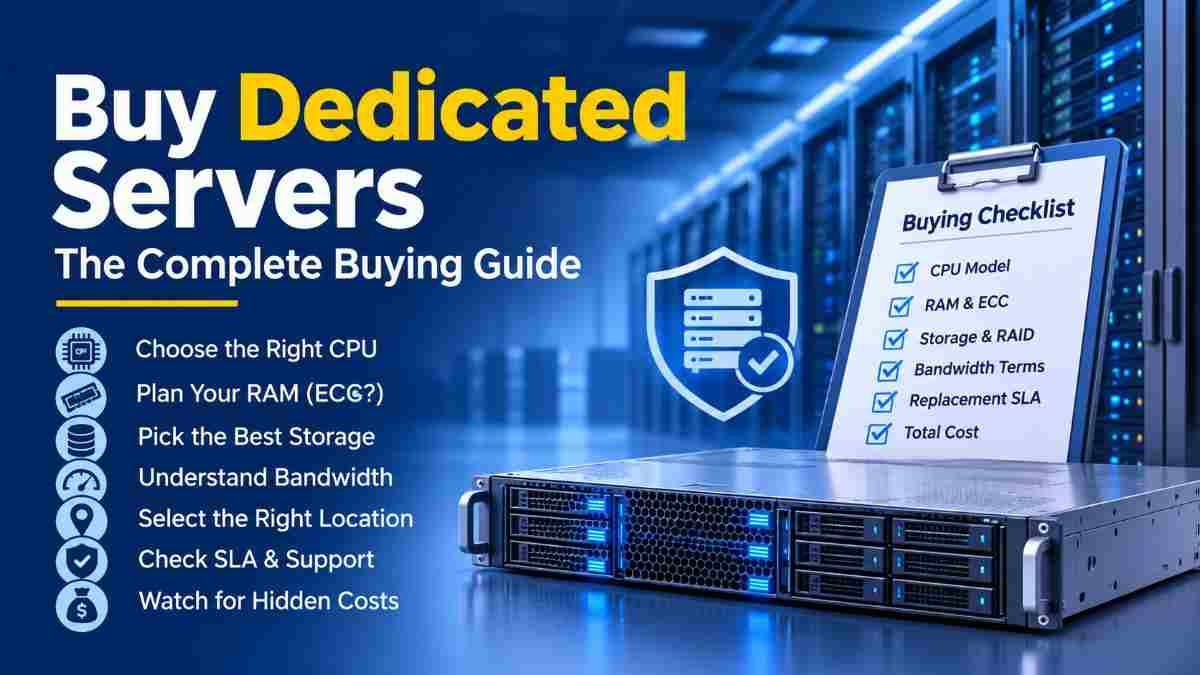
A dedicated server is a significant commitment compared to shared hosting or a cloud VM. The hardware is yours alone, the contract is often longer, and switching providers later is rarely a quick process.
That decides to buy dedicated servers one worth slowing down for. The provider with the lowest advertised price is not automatically the right choice, and the specifications that look impressive on a comparison page do not always match what your workload actually needs.
If you are about to buy dedicated servers, the spec sheet is the easy part. The expensive surprises hide in the lines that are not on the front page: how bandwidth is really defined, how fast a failed drive gets swapped, and what the price becomes at renewal.
Here are the factors I would check, in the order I would check them, with the questions to ask and the numbers that help you judge the answers.
What should you decide before comparing any specs?
Three things: whether you need a dedicated server at all, what your real bottleneck is, and how much of the server you want to manage yourself.
A dedicated server earns its price when at least one of these is true:
-
Your CPU or RAM demand stays above about 70 percent for several hours a day
-
Your workload is sensitive to storage or network latency
-
A contract or regulation requires physical hardware isolation
Then buy for your bottleneck. Most workloads are limited by memory, storage latency or network, not by core count, so a server with the most cores is often not the best fit.
Do you really need a dedicated server instead of a VPS or cloud?
Not if your usage is small or spiky. A VPS or cloud instance is usually cheaper for that, since you do not pay for idle capacity. A dedicated server is for steady, heavy, predictable work.
How do you choose the right CPU?
Match the processor to how your workload uses it. Some jobs want high clock speed, others want many cores.
|
Workload |
What to prioritise |
|
Business site or small SaaS |
A modern 4 to 8 core CPU |
|
Busy online store |
Strong per-core speed, 8 to 16 cores |
|
Database |
High clock speed and strong cores |
|
Game server |
High single-core speed |
|
Virtualisation or reseller hosting |
Many cores, often 16 to 32 or more |
|
Analytics |
Cores plus memory bandwidth |
Ask for the exact CPU model, not "Xeon" or "EPYC". With the model number, you can look up its clock speed and cache yourself.
How much RAM do you need, and does it have to be ECC?
Size it to the workload, and confirm ECC instead of assuming it. ECC memory detects and corrects single-bit errors before they corrupt data, and it matters most for databases and virtualisation.
|
Use case |
Typical RAM |
|
Small SaaS or business site |
16 to 32GB ECC |
|
Busy store |
32 to 64GB ECC |
|
Database server |
32 to 128GB ECC |
|
Virtualisation |
As much as the platform allows |
Two details most buyers skip. Check how the modules are spread across memory channels, because four 16GB modules across four channels can outrun a single 64GB module on memory-bound work. And check the upgrade ceiling, so you know how far you can grow without replacing the server.
Will rising memory prices affect your quote?
Possibly. DRAM prices have risen through 2026, and Micron expects supply to stay tight into 2028. Ask whether the configuration price and any later RAM upgrade price are fixed at order, and what changes at renewal.
Which storage should you choose?
NVMe, for almost any workload where speed matters, and with redundancy. NVMe now costs little more than SATA SSD, and its random I/O performance is several times higher.
|
Storage |
Typical speed |
Best for |
|
HDD |
Slow |
Backup and archive |
|
SATA SSD |
About 500 MB/s |
General purpose and web hosting |
|
NVMe SSD |
About 2,000 to 7,000 MB/s |
Databases and high-IOPS work |
A single drive with no redundancy means one failure can take your site and your data down. Choose RAID 1 or RAID 10, and remember that RAID is not a backup, since it protects against a dead drive, not against deletion or ransomware. Also ask for the drive model, its endurance rating and how replacement works.
What do the three "bandwidth" numbers mean?
They are three separate things, and one word covers all of them.
-
Port speed: 1 Gbps is standard, and 10 Gbps suits streaming and CDN origins
-
Monthly transfer allowance: the cap, or "unmetered"
-
Fair-use threshold: the point where an "unlimited" plan gets throttled
Get all three in writing. A true unmetered 1 Gbps connection, or a move to 10 or 25 Gbps, can add roughly $100 to $500 a month on some plans. Where overage is billed, rates of $0.01 to $0.10 per GB are common, which is why this line item surprises people. Also check how many IPv4 addresses are included.
Where should the server be located?
As close to your users as your budget and your rules allow.
-
Latency: the closer the data centre, the faster every dynamic request feels
-
Data rules: some sectors require data to stay in a country
-
Network quality: ask about peering and whether you can test from your own users' networks before committing
What do the SLA, replacement time and remote access tell you?
How a provider behaves on its worst day. Three things matter more than the marketing page.
-
An uptime SLA with credit terms in writing, not just a "99.9 percent" claim
-
A hardware replacement SLA, meaning the hours it takes to swap a failed disk or power supply
-
Out-of-band access, such as IPMI, iDRAC or iLO, instead of only a support ticket
Those uptime percentages sound similar and are not:
|
Uptime SLA |
Maximum downtime per year |
|
99.9% |
About 8.8 hours |
|
99.99% |
About 53 minutes |
How much management do you want?
On an unmanaged plan, you handle updates, security, monitoring and backups. On a managed plan, the provider takes on some or all of that. Get the list of what is covered in writing, since "managed" is not a standard term. Budget unmanaged plans often come with older-generation hardware and slower hardware replacement, so check both.
What hidden costs and contract terms should you check?
-
Promotional pricing: is the price a real recurring rate, or a first-term offer that rises at renewal?
-
Setup fee and setup time: is it an instant deployment, or a custom build that takes days?
-
Contract length and cancellation: what does leaving cost?
-
Licences: operating systems and control panels are often priced separately
-
Extras: backup storage, additional IPs and higher support tiers
-
DDoS protection: what is included, and does it cover application-layer attacks?
-
Upgrades: can you add RAM or storage later without a full server swap?
What should be on your pre-purchase checklist?
Ask for these seven answers in writing before you order:
-
The exact CPU model
-
RAM quantity, type, ECC yes or no, and channel layout
-
Disk model, endurance rating and RAID level
-
Port speed, transfer allowance and the fair-use threshold
-
Out-of-band access, such as IPMI
-
The hardware replacement SLA, in hours
-
Setup fee, contract length and the price after any promotion ends
A few quick questions people keep asking about this
How much does a dedicated server cost? It varies widely by region and spec. One 2026 breakdown puts a small-business server with a 6 to 8 core CPU, 32GB of ECC RAM and 1TB of mirrored NVMe at roughly $110 to $180 a month. Indian entry-level listings start lower, around ₹4,000 to ₹5,500, though those are often smaller machines.
Is cheaper, older hardware a bad idea? Not always, but check the CPU generation, ECC support, warranty and replacement SLA. The savings can disappear if a failed part takes days to replace.
Can I upgrade a dedicated server later? Often, but not always. Some providers let you add RAM or drives in place, and others require migrating to a new machine. Ask before you buy, since it decides how far you can grow.
Where this leaves you
A good dedicated server purchase comes down to matching the hardware to your bottleneck and reading the contract as carefully as the spec sheet. Get the CPU model, ECC status, RAID level, bandwidth terms and replacement SLA in writing, and ask what the price becomes at renewal. Do that, and most of the unpleasant surprises never reach you.

 Arabic
 French
 Spanish
 Portuguese
 Deutsch
 Turkish
 Dutch
 Italiano
 Russian
 Romaian
 Portuguese (Brazil)
 Greek