
Enterprise Data Sovereignty and Business Continuity in Cloud VPS Hosting
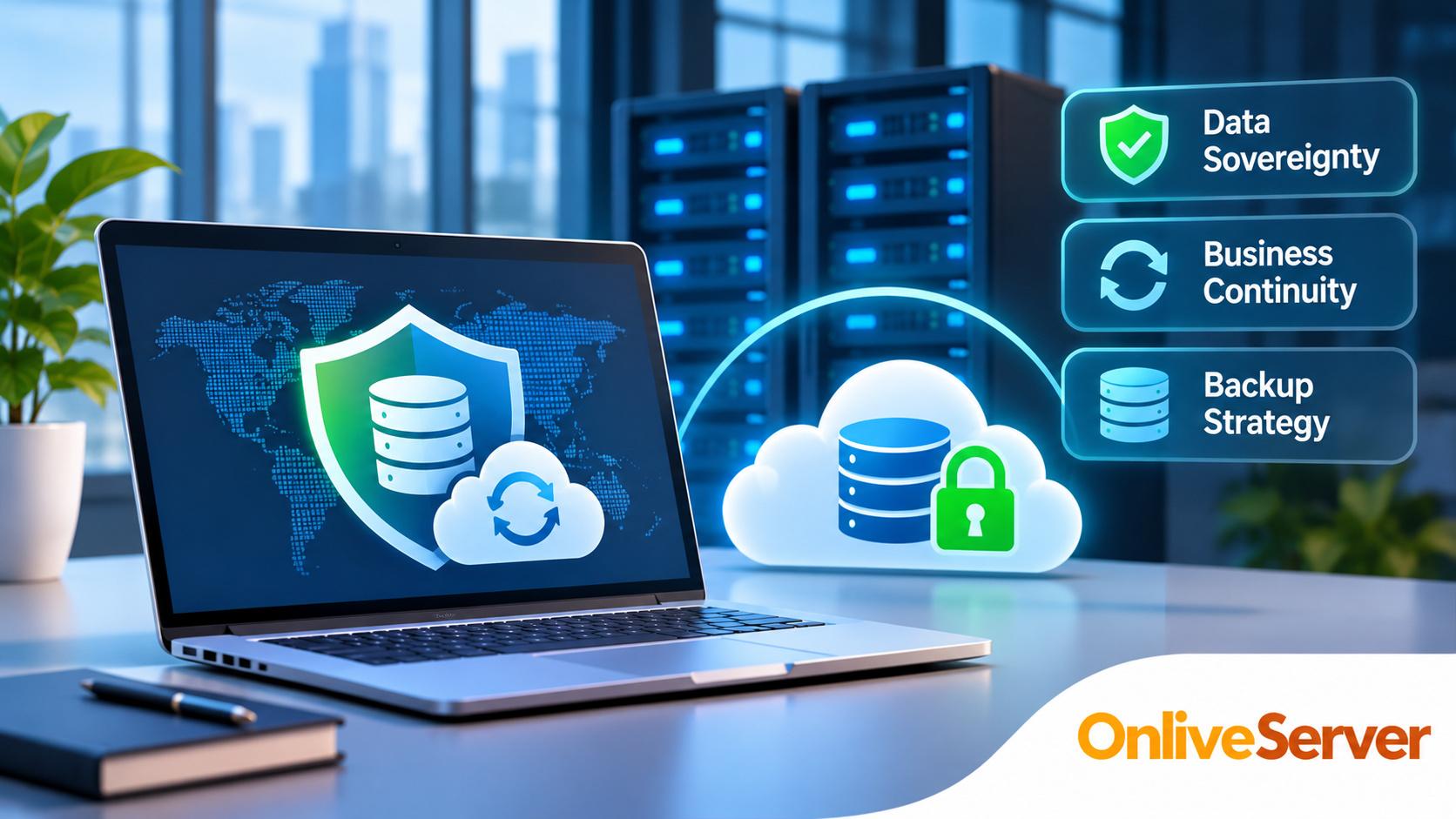
Businesses store important information on cloud servers, including customer records, financial data, application databases, and internal documents. Protecting this information involves more than choosing a reliable hosting provider.
Organizations also need to know where their data is stored, who can access it, and whether they can recover it if their cloud provider becomes unavailable.
This is where data sovereignty and business continuity planning become important. A well-managed VPS backup strategy can give businesses greater control over their information and reduce dependence on a single hosting platform.
What Is Data Sovereignty in Cloud VPS Hosting?
Data sovereignty refers to the legal authority and rules that apply to data, often influenced by where the information is stored or processed.
For example, a business operating in one country may use a cloud server located in another. This arrangement can raise questions about privacy requirements, data transfers, access permissions, and regulatory responsibilities.
Cloud hosting businesses should consider:
-
The physical location of primary and backup data
-
Applicable data protection laws
-
Who can access stored information
-
How long records must be retained
-
Whether data can be exported or recovered independently
Data sovereignty is not automatically guaranteed by keeping a backup outside the main server. Organizations must also consider storage jurisdiction, encryption, contracts, and access controls.
Why Business Continuity Depends on Backup Independence
Business continuity means preparing an organization to continue or restore important operations during unexpected disruptions.
Cloud servers may experience hardware failures, software errors, accidental deletion, or security incidents. Even an established hosting provider cannot eliminate every operational risk.
A company relying entirely on one platform's backup system may face difficulties if its account becomes inaccessible or the service experiences a major interruption.
Independent backup copies provide another recovery option.
For example, a business running an application on a Linux VPS could maintain scheduled database exports and file archives in a separate storage environment.
If the original VPS becomes unavailable, administrators can use those copies to rebuild the application on another compatible server.
The recovery process may still require configuration changes, database restoration, and testing.
Proprietary Cloud Snapshots vs Independent Backups
Cloud providers often offer snapshots that capture the state of a virtual machine or storage volume.
Snapshots are useful for quick recovery within supported infrastructure. However, some snapshot systems are tied to a provider's storage architecture.
Independent backups created with common Linux tools can offer greater flexibility.
Proprietary Cloud Snapshots
Provider-managed snapshots may offer convenient scheduling, incremental storage, and integration with cloud management tools.
Their main limitation is portability.
Some snapshots cannot be downloaded directly as standard disk images or restored outside their original cloud platform without additional steps.
Open-Format Backup Archives
Linux administrators can create portable backup files using tools such as:
-
tarfor file archives -
gzipfor compression -
mysqldumpfor MySQL database exports -
rsyncfor file transfers -
cronfor scheduled automation
These tools produce files that can be transferred and restored using compatible software.
An SQL database export, for example, may be easier to move between compatible database environments than a provider-specific storage snapshot.
Still, portability depends on application versions, database compatibility, configuration files, and other system requirements.
Which Backup Method Is Better?
| Factor | Cloud Snapshots | Independent Archives |
|---|---|---|
| Recovery | Convenient within supported cloud systems | Requires restoration procedures |
| Portability | Depends on provider | Generally more flexible |
| Automation | Usually supported through cloud tools | Supported through scripts and schedulers |
| Storage | Provider-managed | Organization-selected destination |
| Main consideration | Provider dependency | Administration and testing |
Many organizations benefit from using both approaches rather than relying exclusively on one.
How Off-Site Backups Support Data Control
Keeping backups on the same VPS is convenient but creates a potential single point of failure.
If the server becomes inaccessible, its local backup directory may also be unavailable.
Off-site backups reduce this dependency by storing copies in another location.
The 3-2-1 Backup Approach
The 3-2-1 rule is a practical starting point for backup planning:
-
Maintain three copies of important data, including the original.
-
Use two different storage media or systems.
-
Keep at least one backup copy off-site.
Organizations should also protect backup credentials, limit deletion permissions, and test the restoration process.
Off-site storage does not always mean independent control. If production and backup environments share the same administrative credentials, a compromised account may affect both.
Automating Backups on Linux VPS Servers
Manual backups can become unreliable when administrators manage several business applications.
Linux provides scheduling tools that help automate database exports, archive creation, and remote file transfers.
For example, cron can run an existing backup script every day:
0 2 * * * /bin/bash /opt/backups/daily-backup.shThis example schedules a script at 2:00 AM according to the server's configured time zone.
The script must already exist and should include error handling, logging, and appropriate access permissions.
Daily and Weekly Backup Planning
Daily backups can protect frequently changing application data, while weekly archives can capture a broader collection of files and configurations.
The exact schedule depends on how often information changes and how much data loss the business can tolerate.
Administrators can review the Onlive Server guide covering the strategic architecture and VPS backup automation framework for practical examples of Linux backup scheduling, off-site storage, and restoration planning.
Automation should also include monitoring. A scheduled task that fails silently may leave an organization without a recent recovery copy.
Data Sovereignty and Regulatory Responsibilities
Businesses handling personal or regulated information need to consider the rules that apply to their operations.
Requirements vary by country, industry, data category, and processing arrangement.
A business may need to review:
-
Permitted locations for storing and processing information
-
International data transfer requirements
-
Retention and deletion policies
-
Encryption and administrative access
-
Contractual obligations involving cloud providers
-
Incident response and recovery procedures
For companies operating across several countries, backup location decisions should involve both technical and legal teams.
Does Multi-Region Backup Replication Guarantee Compliance?
No.
Replicating backups across regions may improve resilience, but it can also introduce additional legal and privacy considerations.
An organization should confirm that each storage location is permitted under the applicable requirements before moving sensitive information.
Independent backups improve recovery options, but they do not replace regulatory compliance reviews.
Measuring Business Continuity with RPO and RTO
Two important measurements help businesses plan recovery.
Recovery Point Objective (RPO)
RPO describes the maximum acceptable amount of data loss measured in time.
For example, a business with an RPO of four hours needs a recovery strategy capable of limiting data loss to approximately that period under its defined failure scenarios.
Recovery Time Objective (RTO)
RTO describes the target time for restoring a service after a disruption.
A business may require an important application to return within a defined period, while a less critical internal system may tolerate a longer interruption.
These objectives must be based on business requirements and tested technical capabilities.
Simply creating daily backups does not establish a guaranteed recovery time.
A Practical Data Sovereignty Checklist
Before approving a cloud VPS backup strategy, enterprise IT managers should ask:
-
Where are primary data and backup copies physically stored?
-
Can the organization export its information without relying entirely on the original cloud provider?
-
Are backup files encrypted and access permissions restricted?
-
Can backups be restored on a separate compatible server?
-
Are recovery targets documented and periodically tested?
-
Does the storage arrangement meet applicable legal requirements?
-
What happens if the original hosting account becomes unavailable?
These questions help identify gaps before an incident occurs.
Building a More Independent Recovery Strategy
A cloud VPS backup plan should give the organization practical recovery options, not simply create copies that remain dependent on one provider.
Portable archives, separate storage, scheduled automation, and restoration testing can reduce operational dependencies and make migration or disaster recovery easier to manage.
For enterprise decision-makers, the priority is to understand where business data lives, how it is protected, and what recovery options remain available when normal infrastructure fails.
Data sovereignty requires appropriate legal and technical controls. Business continuity requires a recovery process that has actually been tested.

 English
 Arabic
 Spanish
 Portuguese
 Deutsch
 Turkish
 Dutch
 Italiano
 Russian
 Romaian
 Portuguese (Brazil)
 Greek